
Explore the real meaning of Amazon TACoS, its difference from ACoS, and learn how to leverage it for smarter ad decisions and scalable ecommerce growth.
Did you know that 35% of sellers say they struggle to measure the effectiveness of their Amazon PPC campaigns? Your advertising strategy might be costing you more than it should, but there’s a fix.
Say hello to TACoS (Total Advertising Cost of Sale), one of the most critical metrics for Amazon sellers aiming to find the perfect balance between ad spend and profitability.
If you’ve been navigating the world of Amazon PPC advertising, understanding TACoS could be your game-changing advantage.
From optimizing your ad budgets to boosting your organic sales, this guide will break down TACoS, show you how it compares to ACoS, and share actionable strategies to improve this essential metric.
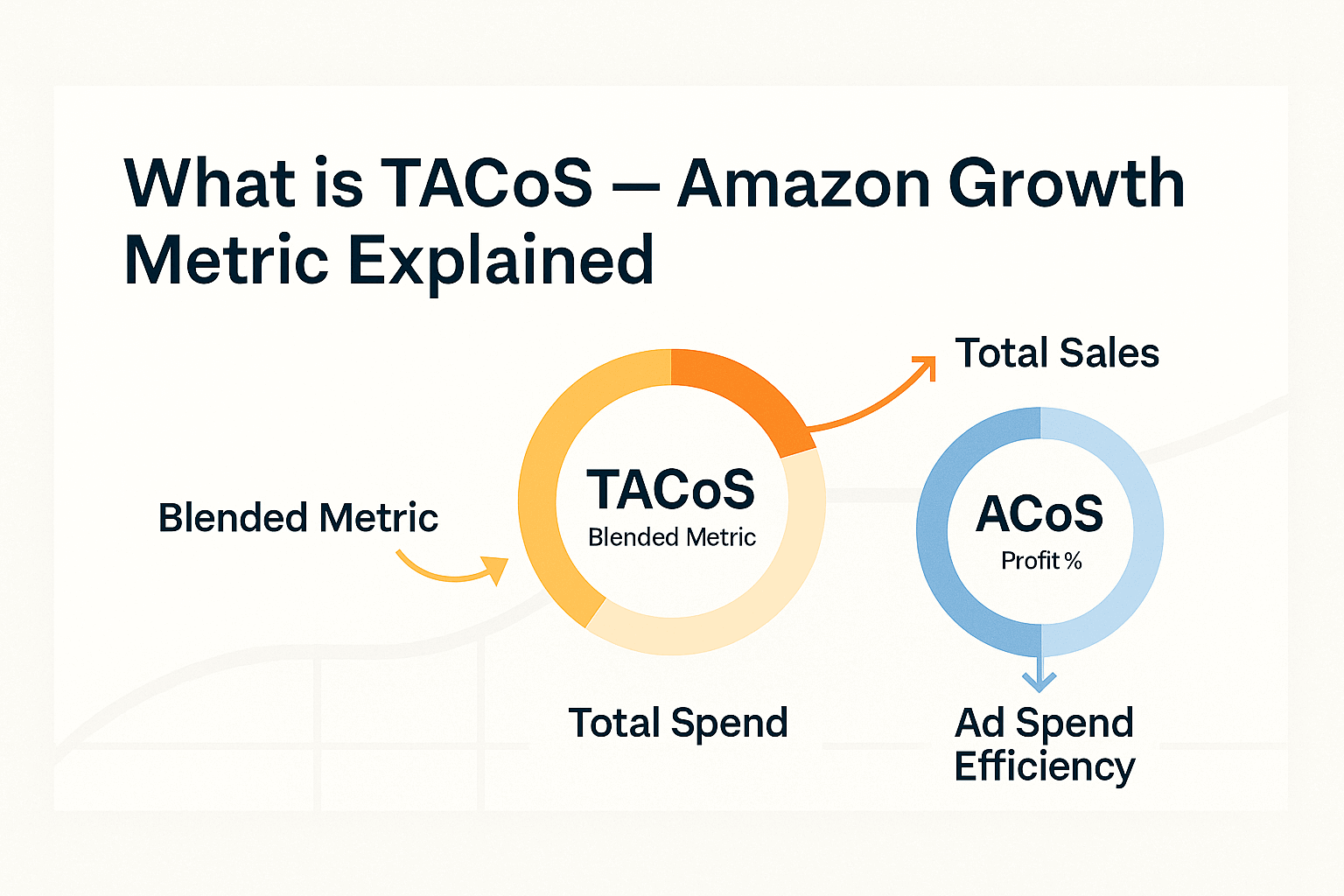
TACoS stands for Total Advertising Cost of Sale, a metric that evaluates your advertising spend in relation to your total revenue, encompassing both ad-attributed sales and organic sales.
Unlike ACoS (Advertising Cost of Sale) which focuses solely on ad-driven revenue, TACoS provides a holistic view of your advertising strategy’s effectiveness in driving both paid and organic growth.
TACoS Formula:
TACoS = (Advertising Spend / Total Revenue) x 100
This metric reflects how well your ads contribute to overall business growth. A lower TACoS indicates that your advertising spend is effectively stimulating organic sales and profitability, while a higher TACoS suggests an over-reliance on paid advertising.
ACoS: Measures ad spend as a percentage of ad-attributed sales. Example formula:
ACoS = (Advertising Spend ÷ Ad Revenue) x 100
TACoS: Includes both ad-attributed and organic revenue, offering a comprehensive picture:
TACoS = (Advertising Spend ÷ Total Revenue) x 100
While ACoS shows you the effectiveness of individual ad campaigns, TACoS evaluates overall profitability and ad impact on organic growth. For sellers looking to scale sustainably, TACoS is indispensable.
Calculating your TACoS is simpler than you’d think. All you need to know is your monthly ad spend and total revenue (ad-attributed + organic sales).
Example:
This means for every $1 spent on ads, $10 was earned in total revenue.
Understanding TACoS gives you deeper insights into your Amazon business’s profitability and advertising strategy. Here’s why it matters:
TACoS helps track your ad spend’s impact on overall profitability, so you know whether your budget is being well-spent.
Ads don’t just drive immediate sales; they also improve organic rankings by boosting your Best Sellers Rank. A rising rank equals increased discoverability.
A sudden spike in TACoS could signal inefficient ad targeting or declining product performance, helping you pivot quickly.
The “ideal” TACoS largely depends on your product’s lifecycle, margins, and industry. However, 5-10% is generally considered optimal. Here’s a breakdown by scenario:
Maintaining or reducing TACoS over time is a positive indicator that your organic sales are growing.
Understanding what drives TACoS is key to sustaining profitability. Here are some common factors that influence it:
Lowering your TACoS while enhancing sales efficiency is all about refining your approach. Here are actionable strategies:
To truly harness TACoS, look beyond the number and analyze trends.
Combine TACoS data with ACoS metrics to gain a full understanding of your ad campaigns’ performance and how they’re impacting long-term growth.
TACoS empowers sellers to see the bigger picture, balance ad spend with profitability, and grow their organic presence over time. It’s not just about paying for clicks, it’s about creating a strategy that sustains your business.
Take your Amazon PPC strategy to the next level today by optimizing for TACoS. Whether you’re launching a new product or scaling your brand, focusing on this metric will pave the way for stronger profitability and long-term success.